







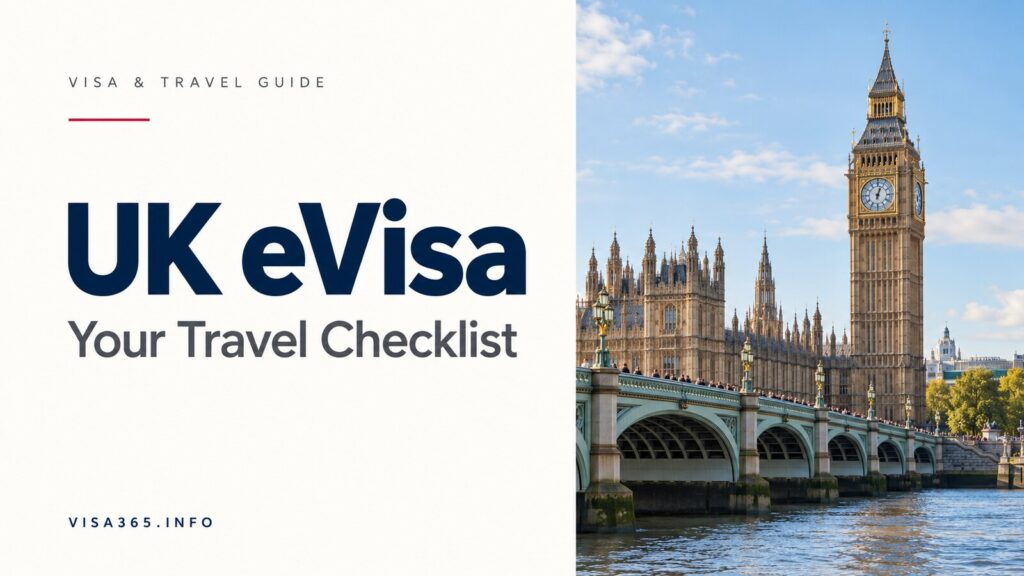












UK eVisa Travel Checklist - Passport Details, UKVI Accounts and Share Codes
-
Ayesha Gulzar
- Last updated:
- 4 min read

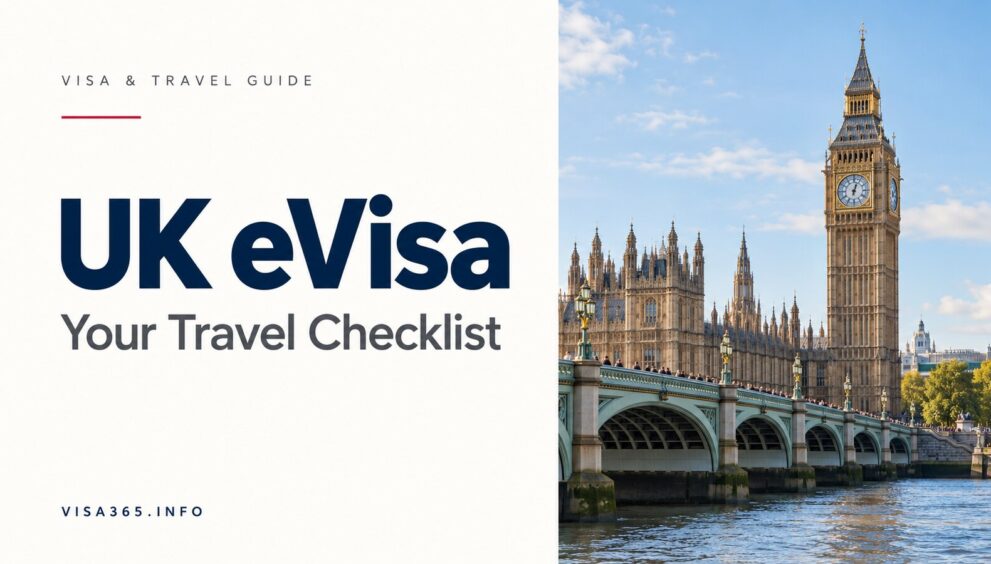
A UK eVisa travel checklist starts with matching information. Your valid passport, UKVI account, immigration status, and airline booking should tell the same story. A small mismatch is easier to address at home than at an airport check-in desk.
This guide is for people using a UK eVisa to show their immigration permission. An eVisa is different from an ETA. If you are deciding which visa to apply for, browse our UK visa guides first.
Understand what your eVisa records
An eVisa is a digital record of identity and immigration status. The Home Office’s eVisa transition guidance explains that replacing a physical document with an eVisa does not itself change the conditions of your permission.
That distinction matters. Creating an account is not the same as receiving a new grant of leave. Check the actual status shown and retain your decision information with your travel records.
Check your UKVI account before booking
GOV.UK’s travel-with-an-eVisa guidance says your account must contain correct personal information and the passport or travel document used for travel. Your details should match the information supplied to your carrier.
- Passport: compare the number, expiry date, and document you intend to carry.
- Personal details: check names and other identifying information.
- Immigration status: confirm that the eVisa displays the permission you expect.
- Booking: review the passenger information sent to the airline.
Our practical suggestion is to review these records side by side, rather than relying on memory. Take particular care if you renewed a passport after your visa decision.
Get the right share code for travel
The official travel guidance allows you to obtain a share code as additional proof if requested. A travel share code is valid for 90 days and can be used more than once. Generate it through the official view-and-prove service, and keep it somewhere you can access during the journey.
Do not assume that a code generated for another purpose is the best evidence for travel. Follow the options presented by the official service. Keep account passwords and security codes private; a carrier does not need access to your full UKVI login.
If the airline cannot verify your status
The carrier verification guidance explains what to do when an automatic check fails. Depending on your circumstances, you can show a travel share code or valid physical evidence with your passport. If necessary, ask the carrier to contact the Border Force carrier support hub.
Keep a concise record of any error, including the time and wording. When requesting help, explain which document you are traveling with and which record appears incorrect. Avoid sending complete account credentials to an unofficial support address.
A final departure checklist
- Sign in while you still have reliable access to your phone and email.
- Confirm the passport you will carry is linked to the account.
- Review the eVisa and report any error through official support.
- Check the booking and passenger details.
- Keep the appropriate share code and relevant decision documents accessible.
- Check the entry and transit requirements for every other country on your route.
For students, our UK student visa guide covers the underlying study route. This checklist is about evidencing permission for travel, not changing its conditions.
Frequently asked questions
Is an eVisa the same as an ETA?
No. An eVisa records immigration status. An ETA is a different travel-authorization process for eligible travelers.
Should I check my account after renewing my passport?
Yes. Confirm that the document you will use is correctly linked before traveling.
Does a screenshot guarantee boarding?
No. Follow the official verification process and carry your valid travel document.
What if I cannot sign in?
Use GOV.UK’s account recovery or UKVI support route. Resolve the access issue before departure where possible.
Editorial check: 31 October 2026. Follow the current GOV.UK instructions for your immigration status and travel document.
Disclaimer: This guide is for general informational purposes only and does not constitute legal advice. Visa requirements may change. Always verify with official government sources.
Was this article helpful?
Thanks for your feedback 💛 It helps us improve our guides.